






About Tunnel Rush
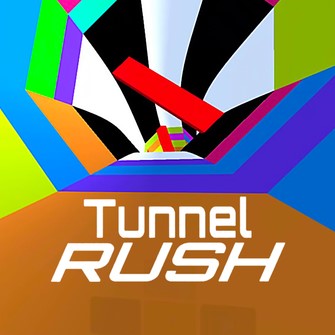
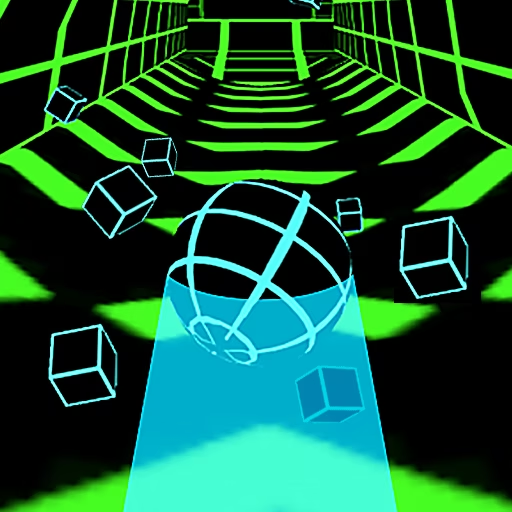
Tunnel Rush puts the course directly in front of you from a first-person viewpoint. Forward movement carries you into a changing tunnel while barriers approach through its interior. You rotate left or right to reach the open part of each obstacle, using its gap as the immediate destination.
The surrounding tunnel can turn and the hazards can move, so staying aligned is an ongoing task rather than a one-time decision. A gap that looked comfortable on the distant approach may shift before you reach it. The longer the run continues, the more useful early observation becomes: find the opening, move toward it, and keep checking until the obstacle has actually passed.
How to Play Tunnel Rush
Survive the forward rush by rotating into each obstacle’s opening before contact.
- Use A/D or the left/right arrows to rotate around the tunnel.
- Locate the clear gap in the approaching barrier.
- Move toward that gap and make small corrections if it changes position.
- Pass through, then identify the next opening; hitting a barrier ends the attempt.
Controls & Timing
Find the empty space
As a barrier approaches, focus on its opening rather than its solid shape. That gives your steering a destination before the obstacle fills the view.
Keep the gap under review
A moving barrier can change the safe position during the approach. Continue checking it after the first correction instead of assuming alignment is finished.
Rotation without overshoot
When you reach the opening, shorten or stop the steering correction. A long hold can carry you through the useful position and toward the opposite side of the barrier.
Controls
| Input | Action | When to use |
|---|---|---|
| A / ← | Rotate left | To line up with an opening to the left |
| D / → | Rotate right | To line up with an opening to the right |
High Score Tips
- Choose a direction toward the opening early so you avoid wasting the approach on competing left-right corrections.
- Use the obstacle's gap as the stable reference when the tunnel scenery rotates, keeping background motion from dictating every input.
- After passing one barrier, shift attention promptly to the next instead of continuing to watch the obstacle already behind the crossing point.
- Make smaller adjustments as you become aligned, leaving room to respond if a moving opening shifts again.
- When speed increases, identify the next gap at greater distance so the correction can remain measured rather than becoming a panic turn.
Key Features
- First-person tunnel view: Barriers approach directly through the center of the scene.
- Rotational steering: Left-right input positions you around the tunnel.
- Moving openings: Some hazards demand continuing alignment during the approach.
- Increasing pressure: Faster travel leaves less time to choose the next gap.
Frequently Asked Questions
How do I move through Tunnel Rush?
Forward movement is automatic. Use A/D or the left/right arrows to rotate toward the opening in the next barrier, then keep checking your alignment until you have passed through it.
Do I need a jump key?
This guide uses rotational steering to pass through gaps in the tunnel's barriers. It does not assign a jump key; the task is to reach the open portion of the approaching obstacle.
Why does a gap move after I line up?
Some barriers change position, and the tunnel's motion can also alter how the opening appears. Keep watching the gap during the approach and make small corrections when its usable position shifts.
Why do repeated left-right corrections fail?
They can consume the available approach time and carry you past the opening. Pick a clear direction early, then reduce the size of corrections as you reach the position needed to pass.
What should I watch when the scene rotates?
Use the next barrier's empty space as your reference. The surrounding colors and walls provide motion cues, but the opening is what determines where you need to be at the crossing.