

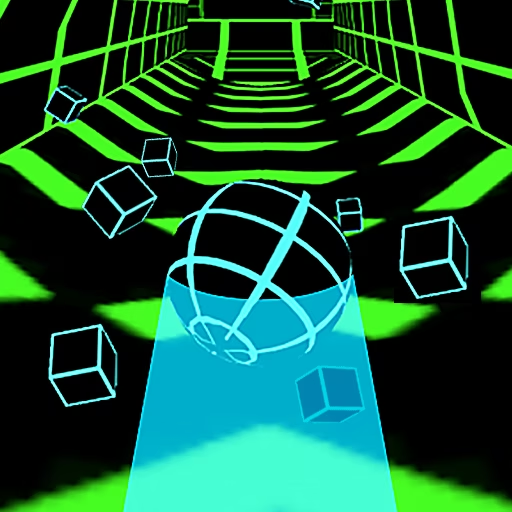



About Color Surfer
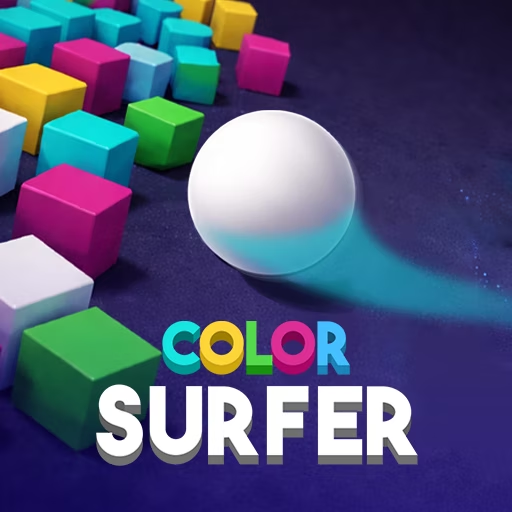
Color Surfer gives each level a clear destination and a strict collision rule. Your ball rolls forward through a three-dimensional course, and objects that share its color can be touched. A mismatched object ends the attempt, even if the rest of the route appears open. The job is to identify a legal path through the arrangement, then keep the ball inside it.
Mouse dragging controls the lateral movement while the course supplies forward progress. Later layouts bring tighter spaces and more mixed-color formations, asking you to distinguish a safe contact from a dangerous corner. Reaching the finish is the goal; there is no advantage in making an unnecessary detour simply because another matching object is visible.
How to Play Color Surfer
Hold and drag the mouse to steer toward the finish. Touch only objects matching the ball’s color and avoid all mismatched surfaces.
- Identify the ball's color before selecting a route through the first objects.
- Hold the left mouse button and drag sideways to guide its movement.
- Read mixed-color formations early and choose a path with enough clearance around forbidden objects.
- Carry that path to the finish, restarting the level if a wrong-color contact ends the attempt.
Controls & Timing
A safe collision is color-dependent
When two objects sit beside each other, compare both with the ball. Being beside a matching block does not make its differently colored neighbor safe to brush.
Drag distance controls placement
A broad mouse movement can carry the ball farther across the course than necessary. Shorten the drag as you reach the intended line, particularly inside a narrow passage.
Finish the route
After passing one formation, check the exit toward the next. A successful matching contact should leave a path forward rather than push the ball toward another color.
Controls
| Input | Action | When to use |
|---|---|---|
| Hold left mouse button and drag left | Guide the ball left | When the legal route shifts left |
| Hold left mouse button and drag right | Guide the ball right | When the legal route shifts right |
High Score Tips
- Choose a corridor through several objects instead of aiming separately at each matching block; this reduces abrupt changes between otherwise safe contacts.
- Leave a little clearance around forbidden corners, since the ball's full width matters even when its center appears to follow a legal line.
- Make your major adjustment before a tight formation, then use smaller movements inside it so the correction does not become the cause of a collision.
- After a reset, identify the exact mismatched surface you touched rather than assuming every failure came from moving too slowly.
- Keep the finish route as your objective and decline optional lateral movement when the current line already passes safely through the next section.
Key Features
- Color-based collision rules: Matching and mismatched objects have different consequences.
- Continuous mouse steering: Held dragging sets the ball's position across the track.
- Level completion: Each course leads toward a finish rather than only a distance record.
- Denser obstacle layouts: Later stages demand more exact placement between colors.
Frequently Asked Questions
What happens when I touch a different color?
A mismatched contact ends the attempt. Keep some clearance around those objects, including their corners, even when the matching surface beside them looks like a convenient route toward the finish.
Do I need to steer forward as well?
Forward movement is automatic in the described version. Hold and drag the mouse to adjust sideways, concentrating on where the ball meets the next colored formation rather than supplying an acceleration input.
Must I touch every matching object?
The objective is reaching the finish safely. A matching object is a permitted contact, not an instruction to leave an already usable route and collect every object of that color.
Why do small openings keep causing failures?
The ball needs enough room for its whole body, not just its center. Enter from a settled position and avoid broad mouse sweeps that clip a differently colored edge inside the opening.
Is this a distance challenge or a level game?
The source describes levels with finish lines and increasingly difficult layouts. Work toward completing the current course, then use what you learn about mixed-color formations in the next one.