

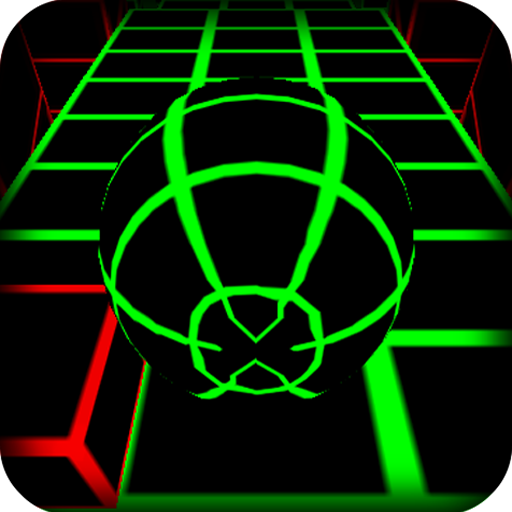
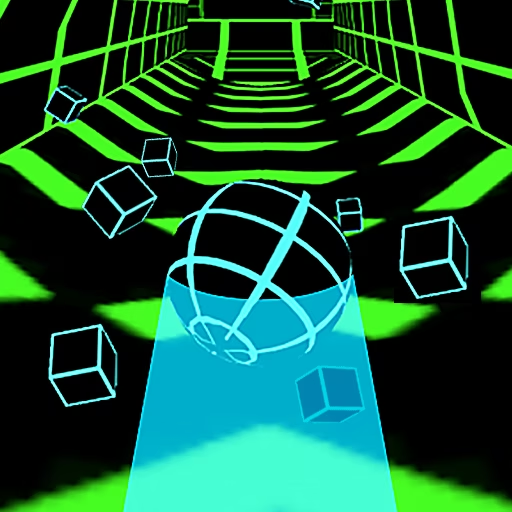






About Dancing Beat
Dancing Beat combines a visible route with music that helps organize your inputs. A ball travels automatically through colorful courses, and clicks trigger the turns or jumps needed to stay on the path. The task is to complete the stage without letting the ball leave its usable surface.
The game introduces different themed environments and musical tracks as you progress. Their value is in changing the sequence you need to follow, not in making the controls more complicated. A dependable attempt comes from relating the sound to the next visible action. Listening without reading the route, or staring at the route while ignoring its rhythm, leaves part of the information unused.
How to Play Dancing Beat
Click in time with the music to trigger the ball’s required turns or jumps. Follow the course and reach the stage endpoint without falling.
- Start the stage and let the ball begin its automatic movement.
- Read the next corner or transition while listening to the musical timing.
- Click at the moment that sends the ball onto the continuing path.
- Keep the sequence together until the stage ends, then progress to the next course.
Controls & Timing
Sound and shape describe one action
A corner gives the next input a visible purpose, while the beat helps place it in time. Use the two together instead of treating either as a complete substitute.
A miss breaks the route
If the turn is mistimed, the ball can leave the track. Identify the first incorrect change of direction rather than only watching where the eventual fall occurs.
New tracks need fresh reading
A different environment can come with another musical sequence. Learn how its early movements relate to the sound before assuming the previous stage's pattern still applies.
Controls
| Input | Action | When to use |
|---|---|---|
| Left mouse click | Trigger the next turn or jump in the course | At the required position and musical moment |
High Score Tips
- Keep the next corner in view before its beat arrives so the input has a destination, reducing hesitation at the actual turning point.
- Practice a difficult section from a recognizable musical phrase, making it easier to compare early and late clicks across attempts.
- Avoid adding a click merely because you feel behind; an input without a matching route transition can create another error.
- Treat a changed soundtrack as new timing information, even when the course resembles a layout you handled previously.
- After a fall, separate visual misreading from musical mistiming so you know whether to study the path or adjust the interval.
Key Features
- Music-guided movement: The soundtrack supports the timing of course actions.
- Automatic ball travel: You focus on turns and transitions rather than forward acceleration.
- Stage completion: Each run follows a course toward an endpoint.
- Themed environments: Progress introduces different scenery and musical sequences.
Frequently Asked Questions
Do I directly steer the ball with the mouse?
The described input is a click that triggers the required turn or jump as the ball moves automatically. It is a timing action, rather than held dragging to freely position the ball across the screen.
Is sound useful for playing?
Yes. The music is part of the timing information described by the source. Keep watching the route too, so each beat-related input also corresponds to the corner or transition the ball needs.
What happens when I miss a turn?
The ball can leave the path and the stage attempt ends. Review the first mistimed direction change rather than only the final falling point, because the mistake may have started earlier.
How do later stages differ?
Completing stages introduces new environments and musical courses. Learn how the next soundtrack and route fit together instead of assuming that a familiar-looking corner uses the exact same sequence as before.
What is a useful way to practice?
Choose a short section with a recognizable musical start and compare your inputs across retries. Keeping that starting reference stable makes it easier to identify whether a particular click is early or late.