
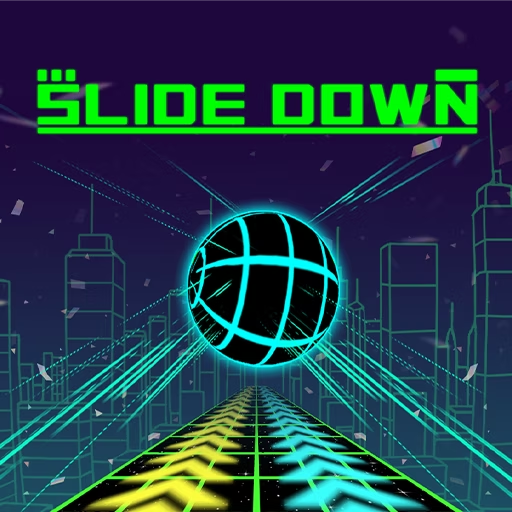

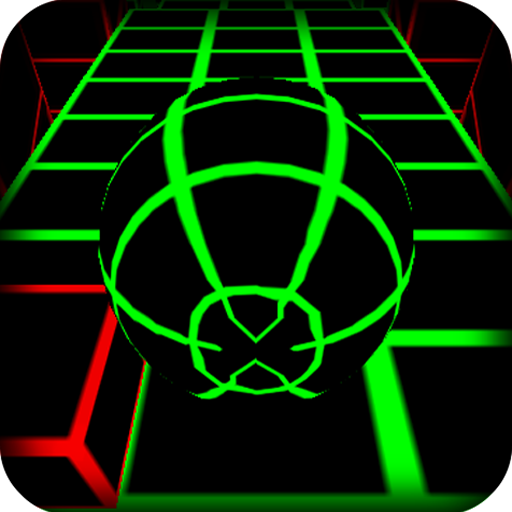



About Slide Down
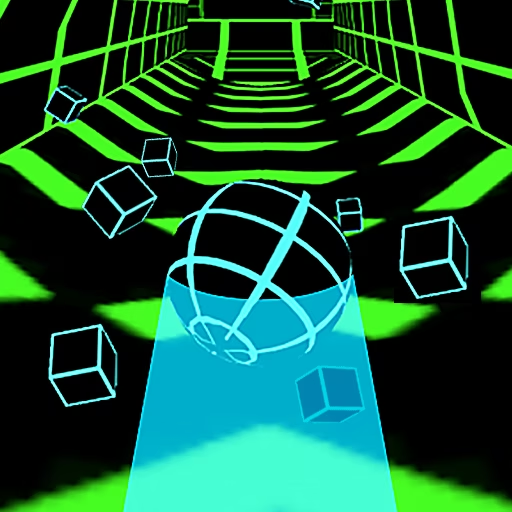
Slide Down keeps a ball moving automatically through an elevated three-dimensional course. You choose its left-right position while slopes, obstacles, and gaps reshape the route. There is no braking action to create extra thinking time, so the next opening needs to be recognized while the ball is still on the approach.
Boost sections can send the ball into longer flights. Those launches increase the importance of the next platform: a strong takeoff is useful only if the ball reconnects with the course. As the run reaches faster sections and new zones, maintaining a workable line becomes the central task, with a collision or fall ending the attempt.
How to Play Slide Down
Survive the descending course by steering around obstacles and aligning with the next landing surface.
- Let the ball travel forward automatically.
- Use A/D or the left/right arrows to move across the track.
- Prepare your position before boosts, gaps, and narrow sections.
- Land on the continuing route and keep steering until a crash or fall stops the attempt.
Controls & Timing
No brake to wait on
When an obstacle appears, choose a clear line while it is still ahead. Trying to delay the decision does not stop the forward movement.
Longer launch, farther target
A boost can carry the ball farther through the air. Read the distant landing surface before entering it so the extra flight does not arrive as a surprise.
The next zone
When scenery and track layout change, inspect the new route rather than reusing the last section's steering rhythm. The visible surface remains the guide to a safe correction.
Controls
| Input | Action | When to use |
|---|---|---|
| A / ← | Steer left | When aligning with the left side of the route |
| D / → | Steer right | When aligning with the right side of the route |
High Score Tips
- Finish an obstacle dodge on a line that leads to the next platform, avoiding a movement that solves only the nearest threat.
- Before a boost, identify both the launch surface and the receiving platform so the flight has a planned destination.
- Keep corrections smaller on narrow sections, where a long hold can use more space than the surface provides.
- At higher speed, shift your gaze farther down the track instead of waiting for the same close-up cue you used earlier.
- After a failed landing, compare the position before the boost with the missed platform to find where the approach first went wrong.
Key Features
- Automatic downhill travel: Steering is the active control during the run.
- Boosted flights: Some transitions send the ball farther into the air.
- Floating track sections: Gaps and edges make each alignment consequential.
- Changing zones and pace: Later sections require fresh route reading.
Frequently Asked Questions
Can I brake in Slide Down?
The described version does not offer braking. Read obstacles early and use lateral steering to choose a workable route, rather than waiting for an opportunity to slow the ball before a difficult section.
Which keys should I use?
A/D or the left/right arrows steer the ball. Forward movement is automatic, so focus each input on a visible opening or landing surface instead of trying to control the descent with a forward key.
Why are boosted jumps hard to land?
The longer flight can carry the ball toward a more distant part of the course. Locate that receiving surface before the boost and prepare your line while you still have a stable approach.
What stops the run?
Hitting an obstacle or falling from the track ends the attempt. Keep checking the next platform even after a successful dodge, because the route still needs to continue beneath the ball.
How should I react to a new zone?
Read its track shape before assuming the previous timing still fits. Scenery changes can coincide with a different approach, so use platform edges and obstacle openings as the reliable references.