





About Sliding Wave
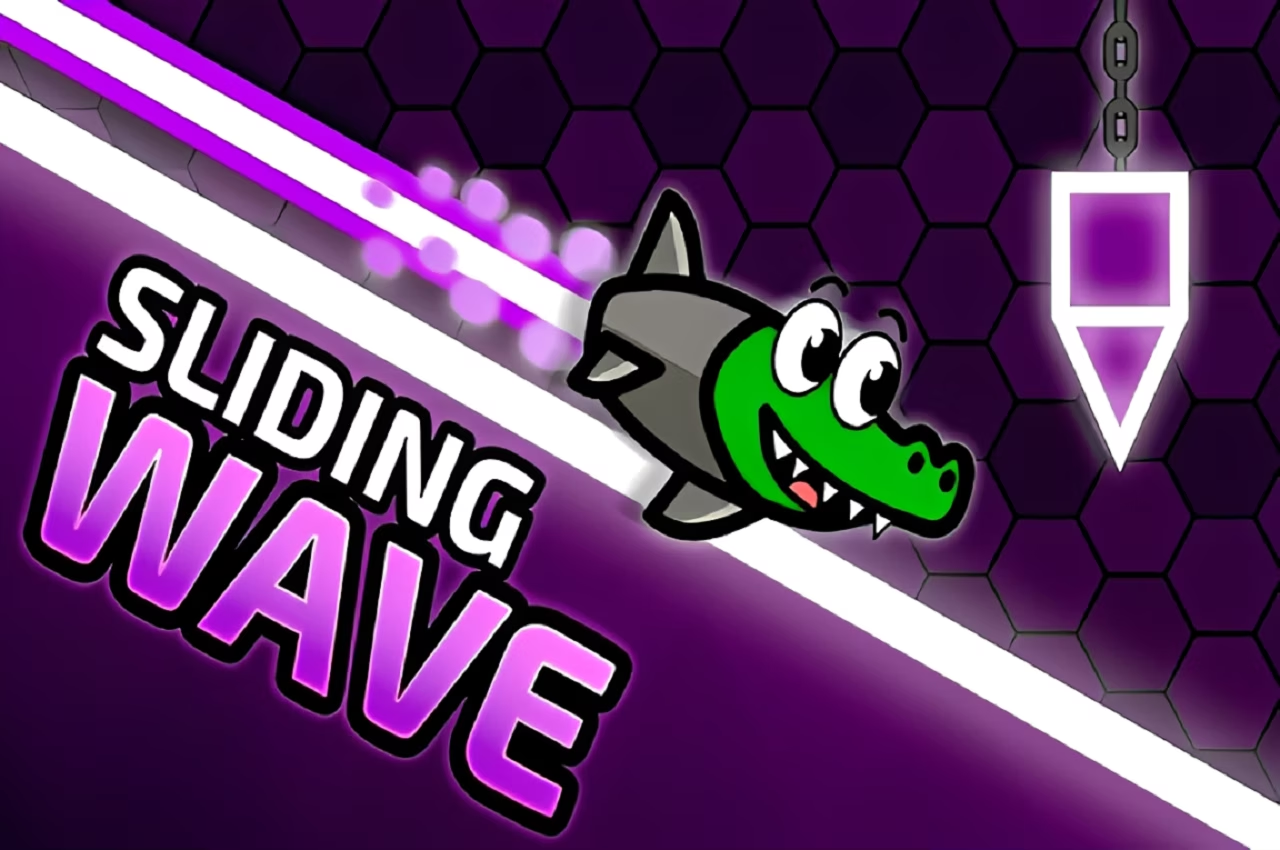
Sliding Wave gives you a moving icon, a confined route, and a finish to reach. Holding the mouse sends the wave diagonally upward; releasing lets it descend. The course turns that two-state movement into a series of precise passages between ceilings, floors, and obstacles, where a long input can use more space than the opening allows.
The level structure makes progress concrete. Checkpoints help divide difficult courses into smaller sections, while coins and crystals add optional collection routes and cosmetic goals. A first clear does not need every risky detour. Concentrate on learning the passage to the finish, then judge whether a collectible route fits the control you have developed.
How to Play Sliding Wave
Hold the left mouse button to rise and release to descend. Follow the safe corridor to the finish while using the level’s checkpoints to work through difficult sections.
- Read the opening ahead before beginning a long rising or falling segment.
- Hold the left mouse button when the route calls for upward travel.
- Release when the wave needs to descend, leaving room for the following reversal.
- Pass the remaining sections and reach the finish, taking safe collectibles along the route.
Controls & Timing
A reversal needs room
A rising segment should end before the ceiling removes your margin. Read the downward space as well as the opening that first made you climb.
Checkpoints divide the task
When a checkpoint is available, it reduces how much earlier course you need to repeat. Use the next attempts to understand the section after it rather than rushing through the same error.
Collection follows control
A coin or crystal can sit away from the comfortable line. Evaluate both its approach and exit before leaving the route you already know reaches the next opening.
Controls
| Input | Action | When to use |
|---|---|---|
| Hold left mouse button | Rise diagonally | When the next opening is higher |
| Release left mouse button | Descend | When the route turns downward |
High Score Tips
- Treat a cramped passage as several short flight segments, making each reversal against a visible boundary rather than one long guess.
- Read beyond a collectible to the next opening so a successful pickup does not leave the wave on an unusable exit line.
- After a checkpoint, repeat the successful initial movement consistently while adjusting the particular rise or descent that causes trouble.
- Watch for in-level visual hints as advance information, then confirm their meaning against the actual corridor before acting.
- On a first clear, prioritize the finish over complete collection; knowing the whole route makes later detours easier to evaluate.
Key Features
- Hold-and-release flight: Two input states create a continuous zigzag path.
- Geometric levels: Boundaries and obstacles shape the route to a finish.
- Checkpoint support: Difficult courses can be approached in smaller sections.
- Collectible cosmetics: Coins and crystals add routes toward visual customization.
Frequently Asked Questions
How do I change the wave’s direction?
Hold the left mouse button to move upward and release to descend. Both states continue the flight, so prepare the space for the next reversal instead of treating release as a pause.
Does the game have checkpoints?
The selected source describes checkpoint support within its level-based course. Use that progress to study the next difficult section; this guide does not assign an unverified keyboard shortcut for placing checkpoints yourself.
Are coins and crystals the same as reaching the finish?
They are additional collection targets, while finishing the level remains the immediate objective. Learn a safe route first, then decide whether a detour for a collectible leaves enough space to continue.
Why do I hit the ceiling after entering an opening?
The upward hold may continue after it has already reached the useful height. Release with enough clearance for the next descending segment rather than waiting until the wave is against the boundary.
Should I copy controls from another wave game?
Use the controls documented for this version: held left mouse to rise and release to descend. Similar-looking games may include different checkpoint keys or modes that should not be assumed here.