

About Wave Road
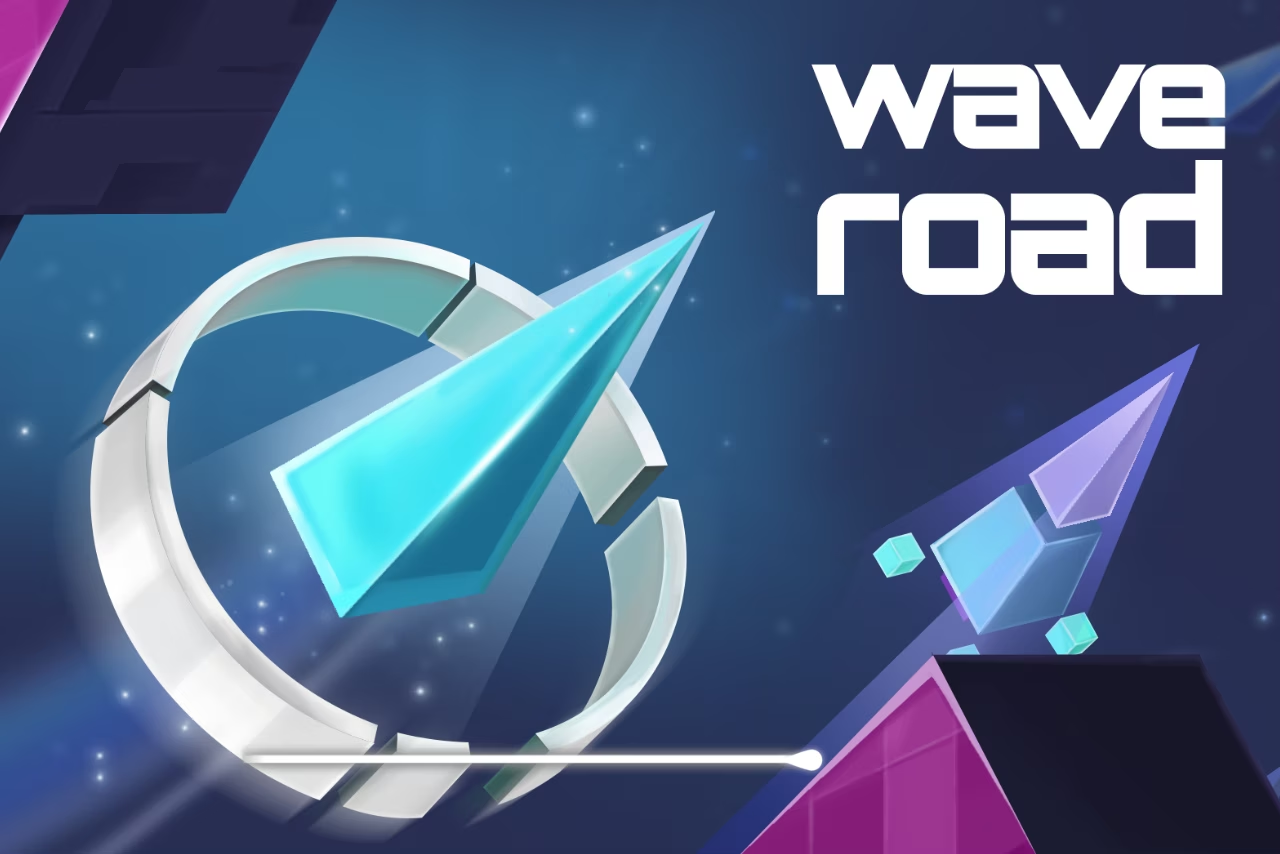
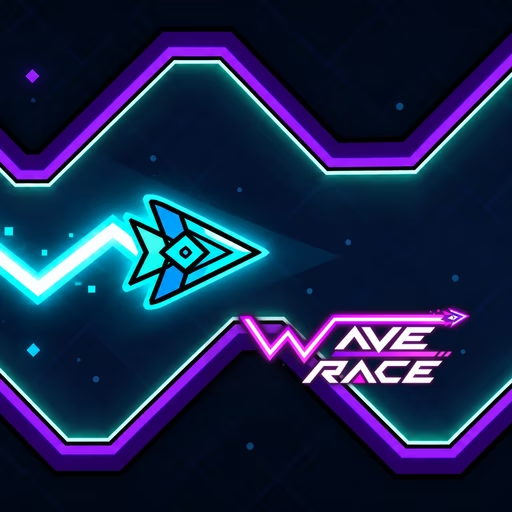
Wave Road replaces a rolling character with an energy wave that travels forward through a space-themed course. Holding the mouse lifts it; releasing sends it downward. Those two states create the zigzag line you use to pass obstacles, with no safe ground on which to settle while deciding what comes next.
Portals are scoring targets along the route, and energy spheres contribute to unlocking different characters or wave appearances. A portal therefore asks for precision beyond simply surviving the corridor. First keep the wave inside the available space, then judge whether its current height and direction allow a clean pass through the target without sacrificing the exit.
How to Play Wave Road
Keep the wave clear of boundaries and obstacles while passing through reachable portals.
- Hold the left mouse button to make the wave rise.
- Release the button to send it downward.
- Alternate those states to follow the open corridor and approach portals.
- Collect reachable energy spheres and continue the flight without touching a hazard.
Controls & Timing
Two directions of travel
Holding and releasing both change the wave's path. Think about the next rising or falling segment before switching, rather than treating release as a neutral pause.
Portal approach
When a portal appears, compare its height with your current direction. Set up the approach early enough to pass through and still have room for the next reversal.
No resting surface
The wave cannot settle on the course boundary to wait. Keep a margin above and below so either direction remains available when the next obstacle arrives.
Controls
| Input | Action | When to use |
|---|---|---|
| Hold left mouse button | Rise through the corridor | When the safe opening is higher |
| Release left mouse button | Descend through the corridor | When the safe opening is lower |
High Score Tips
- Approach a portal from a height that leaves room beyond it, avoiding a perfect entry that immediately leads into a boundary.
- Use shorter rising and falling segments in tight passages so one long hold does not consume all the available clearance.
- Read the obstacle after the next reversal before changing direction, keeping each zigzag segment connected to the route.
- Skip a difficult collection line when the corridor is already crowded; preserving control gives you more later targets.
- After a collision, identify whether you changed direction too early or too late, then adjust that transition rather than the entire input rhythm.
Key Features
- Hold-to-rise movement: One input produces two continuous flight directions.
- Space corridor: Boundaries and obstacles constrain each zigzag segment.
- Portal targets: Scoring asks for precise passes through openings.
- Energy collection: Pickups contribute to different wave appearances.
Frequently Asked Questions
Does releasing the mouse stop the wave?
No. Releasing makes the wave descend while it continues forward. Treat that downward segment as an active part of the route, just as you would the upward segment created by holding.
What should I aim for inside the corridor?
Stay clear of the boundaries and obstacles first, then line up with a reachable portal. A scoring target is useful only when the path through it also leaves enough space to continue safely.
Can the wave land on the bottom?
The source describes a wave that must remain clear of surfaces rather than land on them. Keep a safety margin below it and prepare the next rise before the downward path reaches the boundary.
What do energy spheres unlock?
They contribute to additional characters or wave effects. Collect them along routes you can control, without assuming that a new appearance changes the movement rules or makes a difficult opening safer.
Why do I crash just after passing a portal?
The approach may leave the wave too close to a boundary for the next reversal. Plan an exit direction before entering the portal, giving the successful pass somewhere safe to lead.