







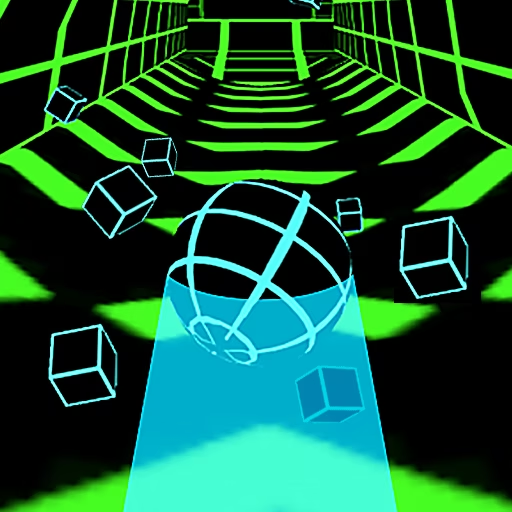

About Curve Rush IO
Curve Rush IO takes the dune-jumping movement of Curve Rush into a game with solo and multiplayer options. The ball still depends on the contour of the ground: a downhill approach builds speed, a release sends it into the air, and the following slope decides whether the run continues cleanly. Competition adds a reason to push, but does not change that basic requirement.
The course includes coins and a white skyline target for higher jumps. Watching another competitor or chasing a pickup can tempt you to launch before your own approach is ready. The useful question is always local: does your ball have enough momentum, and is there a reasonable surface waiting beneath the flight?
How to Play Curve Rush IO
Choose an available mode, then use the dunes to maintain your own run while pursuing height and distance.
- Select the solo or multiplayer option offered by the game.
- Hold the left mouse button, Space, or the up arrow to build speed on a descent.
- Release on the uphill approach to send the ball into a jump.
- Land with the terrain and repeat; avoid rough impacts even when trying to catch another ball.
Controls & Timing
Your approach comes first
When another ball moves ahead, check your own slope before reacting. Copying its launch point from a different approach can produce a very different flight.
High flight, usable return
Release after building downhill speed, then look for the next landing surface. Crossing the skyline is useful only when the return leaves the run intact.
Collecting under pressure
Coins offer an additional target along the dunes. If reaching one disrupts a stable jump sequence, keep the line that preserves your movement.
Controls
| Input | Action | When to use |
|---|---|---|
| Hold left mouse / Space / ↑ | Build speed down a dune | Before the next rising slope |
| Release the selected input | Launch the ball | At the chosen takeoff point |
| Hold through the next descent | Prepare another jump | Once the terrain slopes downward again |
High Score Tips
- Let another ball act as a warning about terrain ahead, not as an instruction to duplicate every movement.
- Choose conservative releases when your speed is low, since competitive pressure cannot supply missing momentum.
- Use a solo attempt to refine a difficult landing sequence before adding the distraction of other racers.
- Collect along a route you already trust; a last-second change for a pickup can compromise the following rise.
- After a failed run, separate a timing mistake from a risky decision made to catch someone, so you know what to change.
Key Features
- Solo and multiplayer options: The same hill movement supports different kinds of challenge.
- Hold-and-release travel: Speed and takeoff depend on a compact input sequence.
- Visible height target: The white skyline encourages more ambitious launches.
- Coin collection: Pickups add a second objective during the rolling run.
Frequently Asked Questions
Does Curve Rush IO include a solo option?
Yes. The source pages describe both solo play and a multiplayer option. Solo attempts are useful for learning the slopes before dividing your attention between your ball, the course, and other competitors.
Should I jump whenever another ball jumps?
No. Your position and approach speed may differ from theirs. Read the dune beneath your own ball and release when that approach is ready, even if a competitor has already taken off.
What ends an attempt?
A damaging landing or collision can stop the run. Avoid treating airtime as automatically safe: you still need to return to the terrain in a position that lets the ball continue.
Which input launches the ball?
Release the left mouse button, Space, or the up arrow after holding through the downhill approach. Launching is a timing change within the rolling cycle, rather than a separate steering command.
How should I use the skyline marker?
Treat it as a height target after you have built a strong approach. Do not keep watching it throughout the descent; the next landing surface becomes the more urgent reference as you come down.