



About Neon Leap
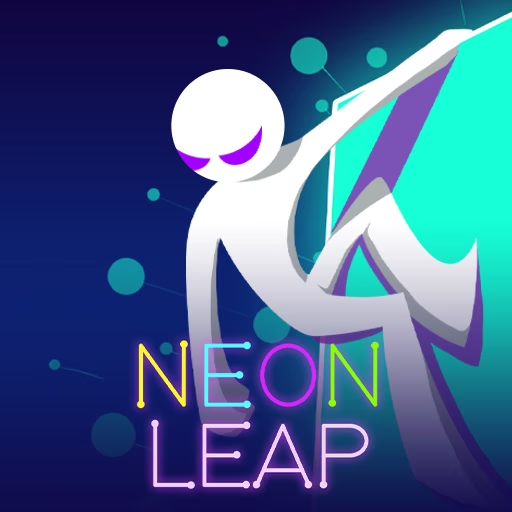
Neon Leap begins in a dark geometric world that lights up as your stickman reaches its shapes. Left and right jumps carry the character between floating surfaces, making each landing both a route choice and a visible change to the scene. Spikes and gaps mean a bright target is useful only when its approach is survivable.
Later levels introduce moving shapes and rotating platforms, so the destination may not stay where it first appeared. Stars add another target during the journey, but they compete with the need for a stable next landing. The course becomes easier to read when you separate those decisions: first find the shape that continues the route, then consider whether the nearby star fits that jump.
How to Play Neon Leap
Use A or the left arrow to jump left, and D or the right arrow to jump right. Land on shapes to light them and work through the level’s hazards.
- Identify a reachable shape on the left or right of the stickman.
- Press the matching direction to jump toward it.
- Reassess the route after landing, particularly when the next shape moves or rotates.
- Collect safely placed stars and continue through the course toward level completion.
Controls & Timing
A direction is a jump
The left and right inputs launch the stickman toward that side. Choose a destination before pressing rather than treating the key as a harmless position adjustment.
The surface can move
A platform's location or angle may change during the approach. Watch that motion before committing to the space it currently occupies.
Light shows contact
A shape lights when the character reaches it. Use the new position to read the next route, keeping spikes and gaps distinct from the visual reward of illuminating the scene.
Controls
| Input | Action | When to use |
|---|---|---|
| A / ← | Jump left | When the next usable shape lies to the left |
| D / → | Jump right | When the next usable shape lies to the right |
High Score Tips
- Plan the surface after the next landing where the view permits, so a reachable shape does not leave the stickman stranded beside an awkward follow-up.
- Allow moving platforms to reveal their direction before jumping, distinguishing a target coming toward the route from one moving away.
- Treat a rotating shape as a changing landing area, checking the face that will be available when the character reaches it.
- On a difficult level, secure a reliable route through the hazards before adding a star detour that changes the established jump sequence.
- After a failed attempt, review whether the chosen side was wrong or the timing was wrong; correcting the route and correcting the moment are different tasks.
Key Features
- Directional jumps: Separate left and right inputs select the next approach.
- Illuminated landings: Touched shapes brighten the otherwise dark course.
- Moving and rotating geometry: Later platforms make timing part of destination choice.
- Stars and level progression: Collectibles accompany the route through increasingly demanding stages.
Frequently Asked Questions
Do the arrow keys only move the character sideways?
In this version, the left and right controls make directional jumps. Select the shape you intend to reach before pressing, rather than assuming a key will merely nudge a stationary character.
Why do shapes light up?
The course responds when the stickman reaches its shapes. Lighting is part of the progression feedback, while spikes, gaps, and the availability of the next landing still determine whether the route is safe.
How should I approach a moving platform?
Watch its direction long enough to judge where it will be during the jump. A surface that is reachable at first glance may move out of the useful position before the character arrives.
Should every star be collected immediately?
Judge the jump and its exit before pursuing a star. If the detour leads toward a hazard or spoils a reliable level route, learn the safe sequence before adding that collection attempt.
What makes later stages more difficult?
The source describes additional moving shapes, rotating platforms, and hazards. These change the landing conditions, so recognizing a reachable target becomes a timing problem as well as a choice of left or right.